BMW Wireless Android Auto Retrofit for NBT EVO
A BMW wireless Android Auto retrofit activates native Android Auto directly on your car's factory NBT EVO (iDrive 5/6) head unit, with no dongle, adapter or screen overlay. Your phone pairs once over Bluetooth and then connects automatically over Wi-Fi, projecting Google Maps, Waze, Spotify and Google Assistant onto the iDrive display, controlled by the rotary dial, steering-wheel buttons and touchscreen. It is a permanent software activation (not a subscription), it keeps Apple CarPlay and every factory function, and compatibility is confirmed from your car's real build before you buy. Prolazo is an independent BMW/MINI specialist and is not affiliated with or endorsed by BMW AG.
What the retrofit actually does
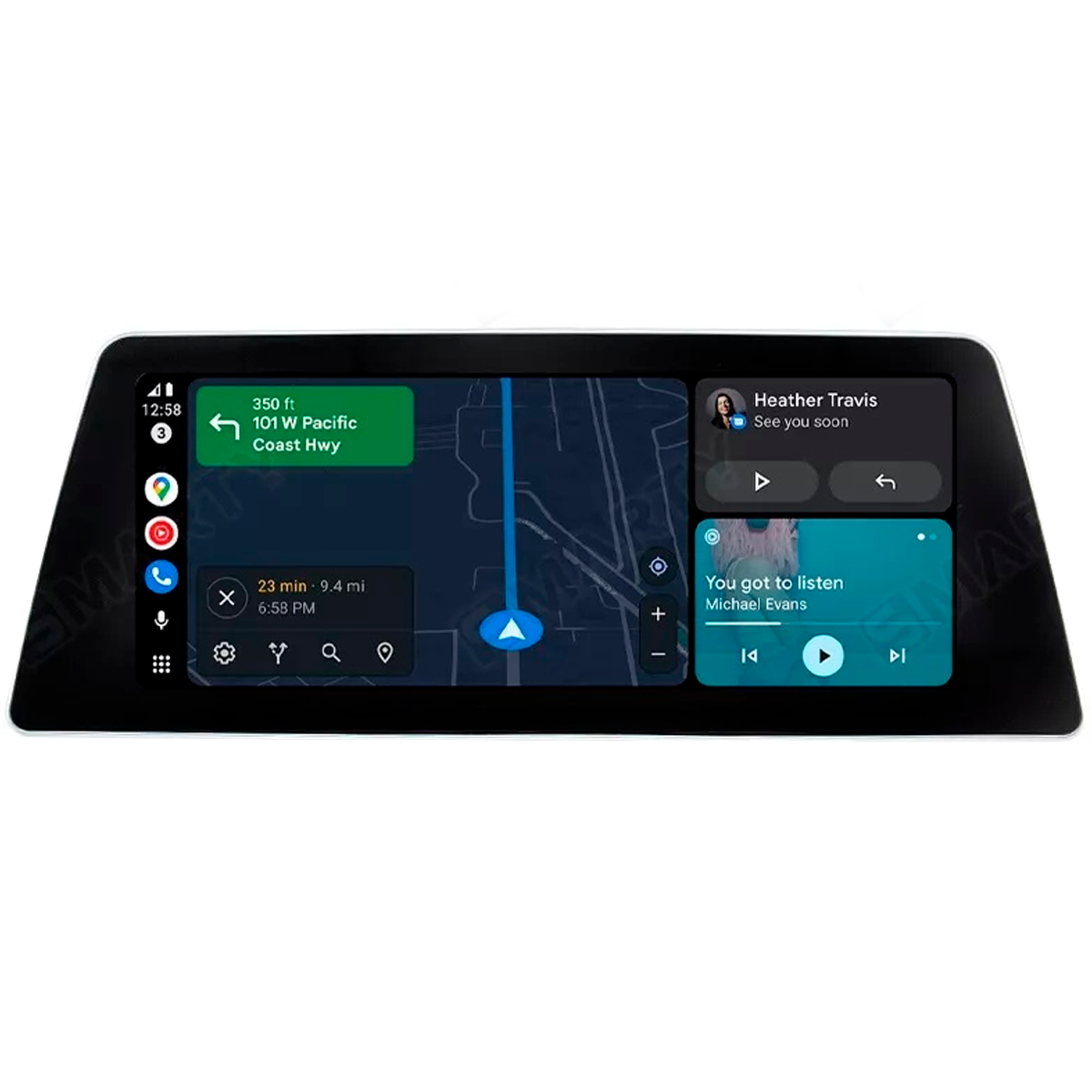
This retrofit switches on Android Auto inside the software your BMW already runs, so it looks and behaves like a factory feature rather than an aftermarket add-on. Once activated, you get:
- Native projection of Android Auto onto the factory iDrive screen, with no dongle, box or cable adapter plugged into the car.
- Wireless connection after a one-time Bluetooth pairing, so your phone links over Wi-Fi every time you get in.
- Your apps on the dash, including Google Maps, Waze, Spotify, YouTube Music, Amazon Music, WhatsApp, Telegram, Messages and Google Assistant.
- Factory controls that keep working, so you use the iDrive rotary controller, steering-wheel buttons and touchscreen where your car supports it.
Everything your BMW did before still works exactly as it did. Nothing is removed and no hardware is swapped.
It keeps Apple CarPlay
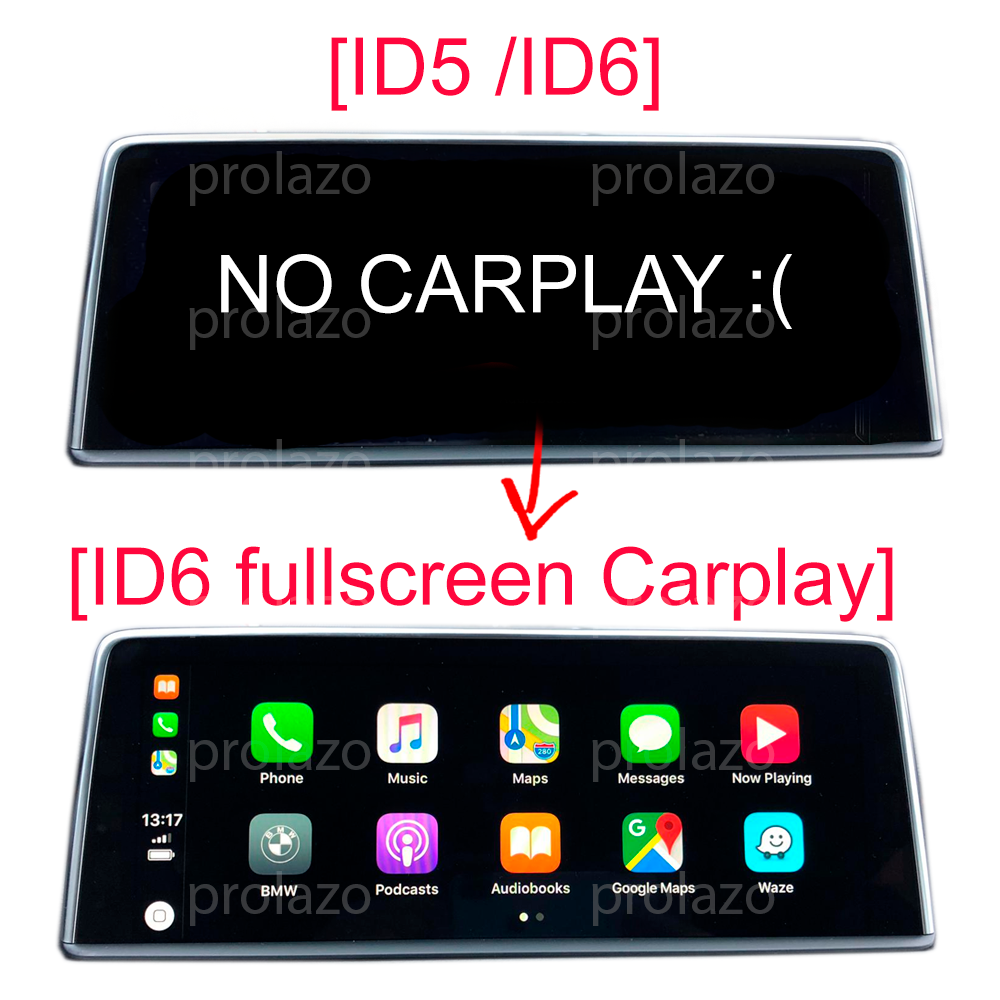
Yes, this retrofit keeps Apple CarPlay. Android Auto and CarPlay both run on the same NBT EVO head unit, and the car switches automatically depending on which phone you connect. Hand the car to an iPhone user and CarPlay appears; connect an Android phone and Android Auto takes over. If you also want full-screen Apple CarPlay rather than the default split view, that is a separate activation available from our full-screen CarPlay page, from €24.99.
Which BMWs and head units are supported
The retrofit targets the NBT EVO head unit, badged as Navigation System Professional, with the tiled iDrive 5 or iDrive 6 menu (broadly 2016 onward across many F- and G-series models and MINI F54–F60). Rather than relying on a generic year-and-model guess, compatibility is confirmed against your car's real factory build using the VIN and its option codes, because two identical-looking cars can carry different head units.
To find your firmware version, go to Navigation > Settings > Position and software version > Software version on the iDrive screen; it reads as NBTEVO_Xxxxx. You can send that version and your VIN for a free check, or run our scan-your-car tool over an ENET cable so we read the exact unit fitted.
How activation works
Most activations are done remotely over an ENET cable: you plug a BMW ENET cable into the car's diagnostic port, connect it to a Windows laptop, and we guide you through the activation step by step. The head unit usually does not need to be removed or shipped. Depending on your head-unit version, some activations are delivered by USB file instead.
The result is permanent — it lasts for the lifetime of the car and is not a subscription or temporary unlock. Prefer to have us handle more than one feature at once? See the remote coding hub for custom BMW coding and map and region updates.
Check your car, then activate
Start by confirming fit: send your VIN, or run the free scan, and we verify the exact head unit before you pay. When it is confirmed, order the wireless Android Auto activation and we arrange a guided remote session. No dongles to lose, no monthly fees, and CarPlay stays right where it is.
Frequently asked questions
Does a wireless Android Auto retrofit need a dongle or adapter?
No. This is a native software activation on your BMW's NBT EVO head unit, so there is no dongle, box or adapter plugged into the car. Your phone connects over Wi-Fi after a one-time Bluetooth pairing, and Android Auto runs directly on the factory iDrive display.
Will I still have Apple CarPlay after adding Android Auto?
Yes. The retrofit keeps Apple CarPlay. Both Android Auto and CarPlay run on the same head unit and the car switches automatically based on which phone you connect, so an iPhone gets CarPlay and an Android phone gets Android Auto.
Is it wireless or do I need a USB cable?
It is wireless. Your phone pairs once over Bluetooth and then connects automatically over Wi-Fi each time, with no USB cable needed for the Android Auto connection.
Which BMW head unit do I need for this retrofit?
You need an NBT EVO head unit (Navigation System Professional) with the iDrive 5 or iDrive 6 tiled menu, found on many BMW and MINI models from around 2016 onward. Compatibility is confirmed from your actual VIN and factory option codes rather than a generic year/model lookup, so you can send your VIN or run the free scan to be sure before buying.
How is the activation done and do I have to remove the screen?
Most activations are done remotely over a BMW ENET cable plugged into the car's diagnostic port, with Prolazo guiding you from a Windows laptop; the head unit usually does not need to be removed or shipped. Some head-unit versions are activated by USB file instead, and the right method is confirmed for your car during the compatibility check.
Is the Android Auto activation permanent or a subscription?
It is permanent. The activation lasts for the lifetime of the car and is not a subscription or temporary unlock, and all factory functions are retained.
How do I find my NBT EVO firmware version?
On the iDrive screen go to Navigation > Settings > Position and software version > Software version. The value reads as NBTEVO_Xxxxx; send that together with your VIN for a free compatibility check.